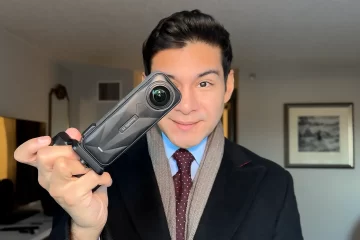
This feature highlights how I shoot bullet time with the Insta360 X6 in Times Square, with a full step-by-step tutorial you can follow.
“What is bro even doing?!”
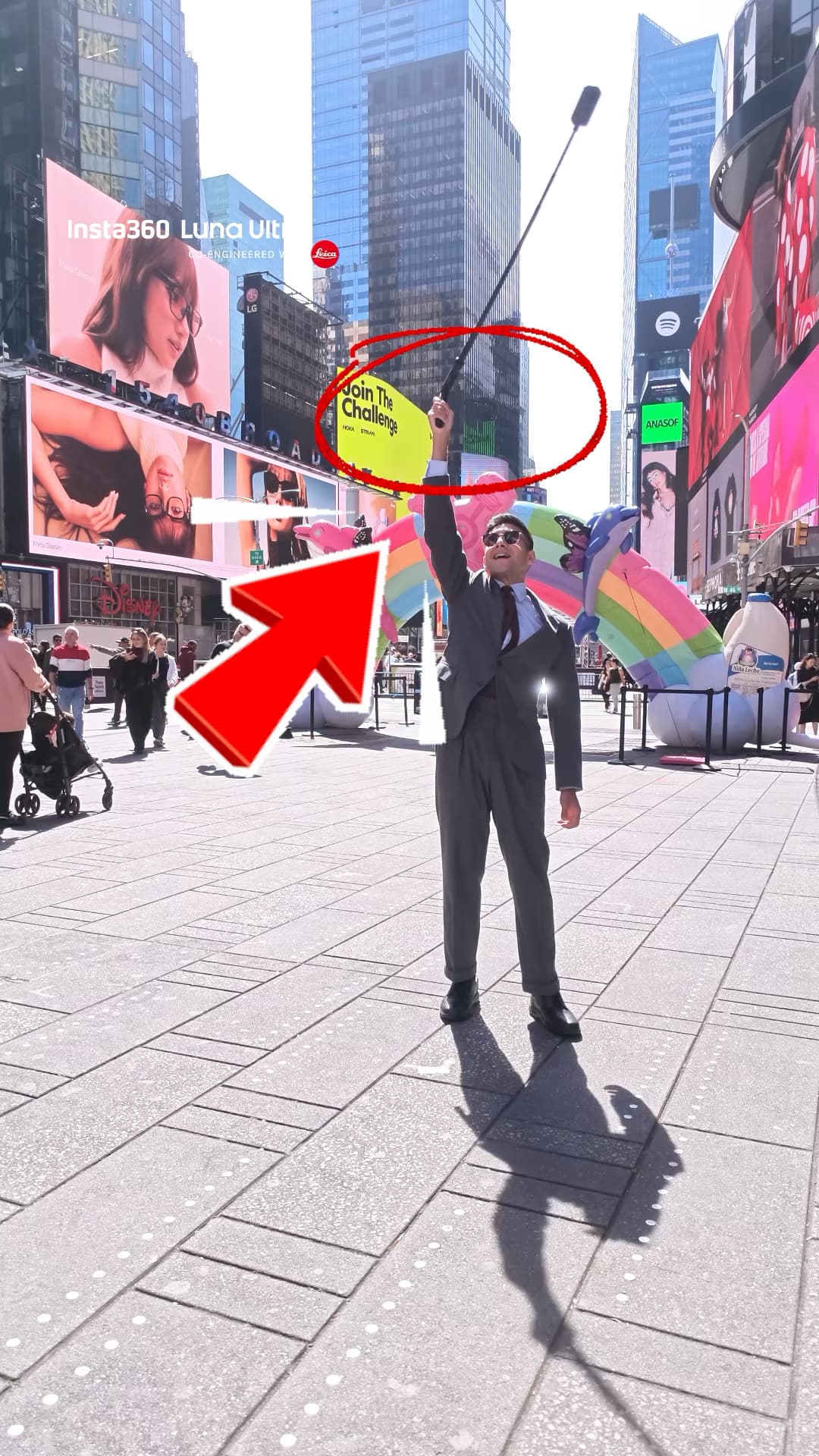
That is what half of Times Square was probably thinking while I stood in the middle of the plaza swinging a camera over my head like a lasso. I promise the waiting is worth it.
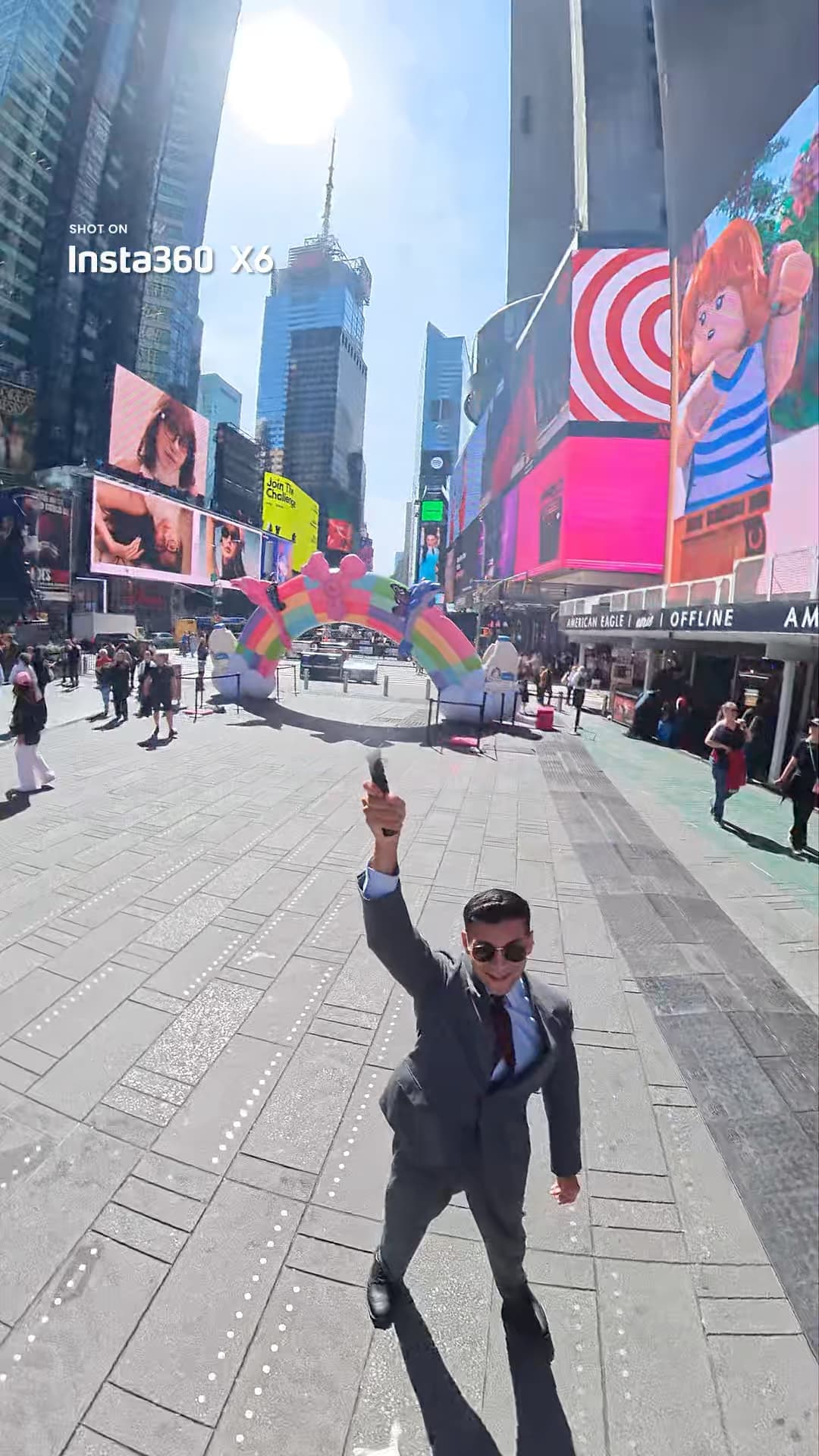
This is the Insta360 X6 bullet time shot. It makes you look like you stepped straight out of The Matrix, with the whole city orbiting around you in slow motion while you stay perfectly still. I shot it this week in Times Square, edited the entire thing on my phone, and posted it to Instagram. The comments split into two camps right away: people who want to try it, and people who said their social anxiety would never let them.
To be frank, that second group is exactly who I am writing this for. If I can spin a camera over my head in the busiest plaza in New York City, you can do this anywhere. Here is the full breakdown: what bullet time is, the exact gear and settings I used, the mistakes to avoid, and where in NYC you can try the X6 yourself.
What Is Bullet Time, Exactly?
Bullet time is the slow-motion orbiting shot made famous by The Matrix. The camera circles around the subject while everything appears frozen in time.
On the Insta360 X6, you get there with no crew, no rig, and no green screen. You switch the camera into Bullet Time mode, mount it on the Bullet Time Selfie Stick 2.0, and swing it in a circle over your head. The X6 records at an ultra-high frame rate (up to 8K at 100 frames per second), so when you slow the footage down, the world spins around you in buttery slow motion and you stay locked in the center of the frame.
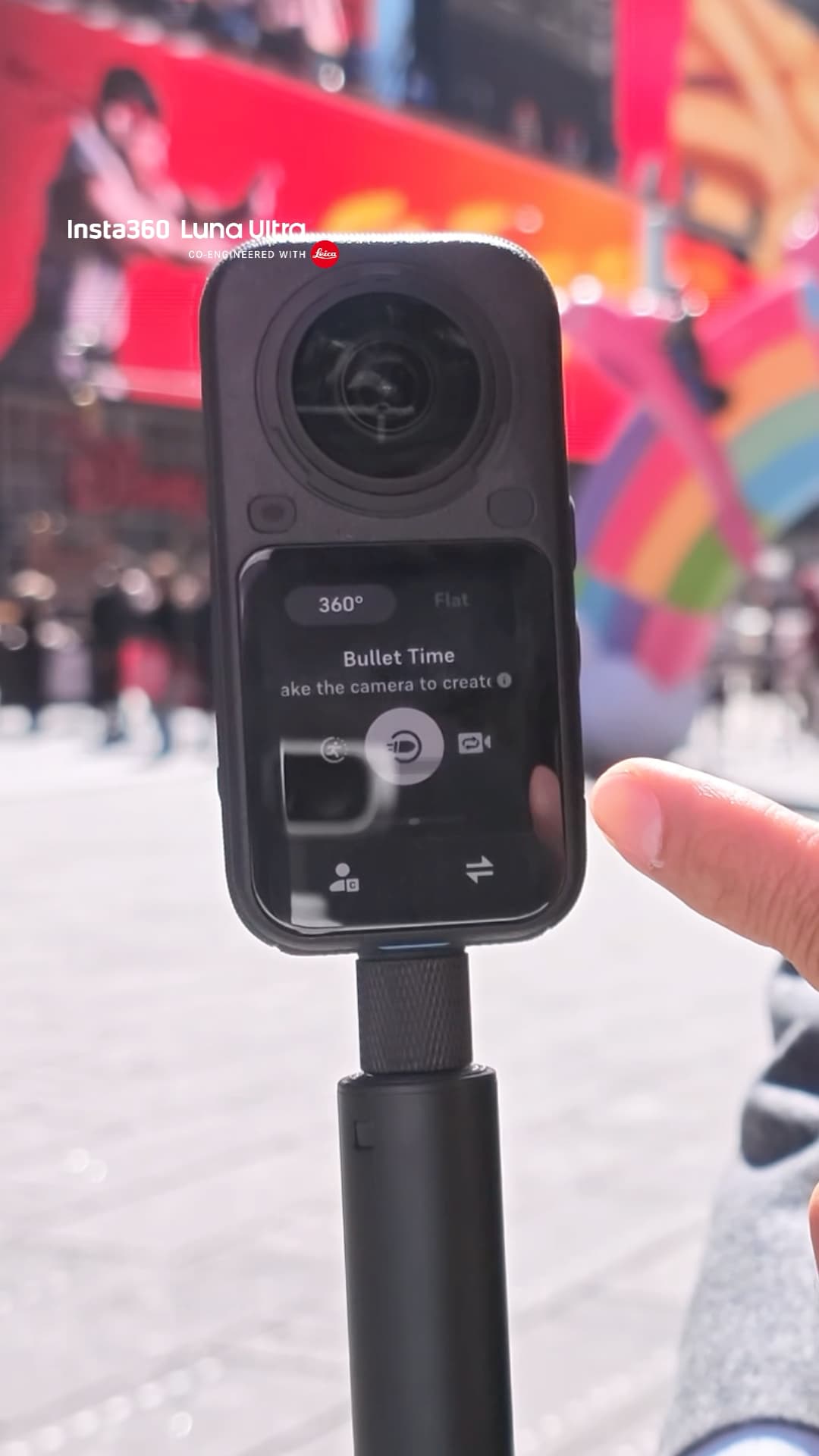
The Gear I Used
- Insta360 X6: This is the camera doing the work. Bullet Time mode records at 8K100p, 6K120p, or 4K240p, and those high frame rates are what make the slow motion look smooth instead of choppy. The 2,600mAh Xtreme battery also matters for a shoot like this. It runs up to 140 minutes, so you can chase the light all morning without babysitting a charger.
- Bullet Time Selfie Stick 2.0: This is the accessory that makes the shot possible. It is built specifically for the swinging motion, with a cord that keeps the camera secure while it orbits. Do not try this with a random stick. Your camera will thank you.
- Insta360 Mic Pro: When I am talking to camera on location, this is what keeps the audio clean. Wireless, compact, and it pairs right up with the X6.
- The Insta360 app on my phone: Every bit of reframing and speed ramping happened in the app. No laptop, no editing software, no waiting until I got home.
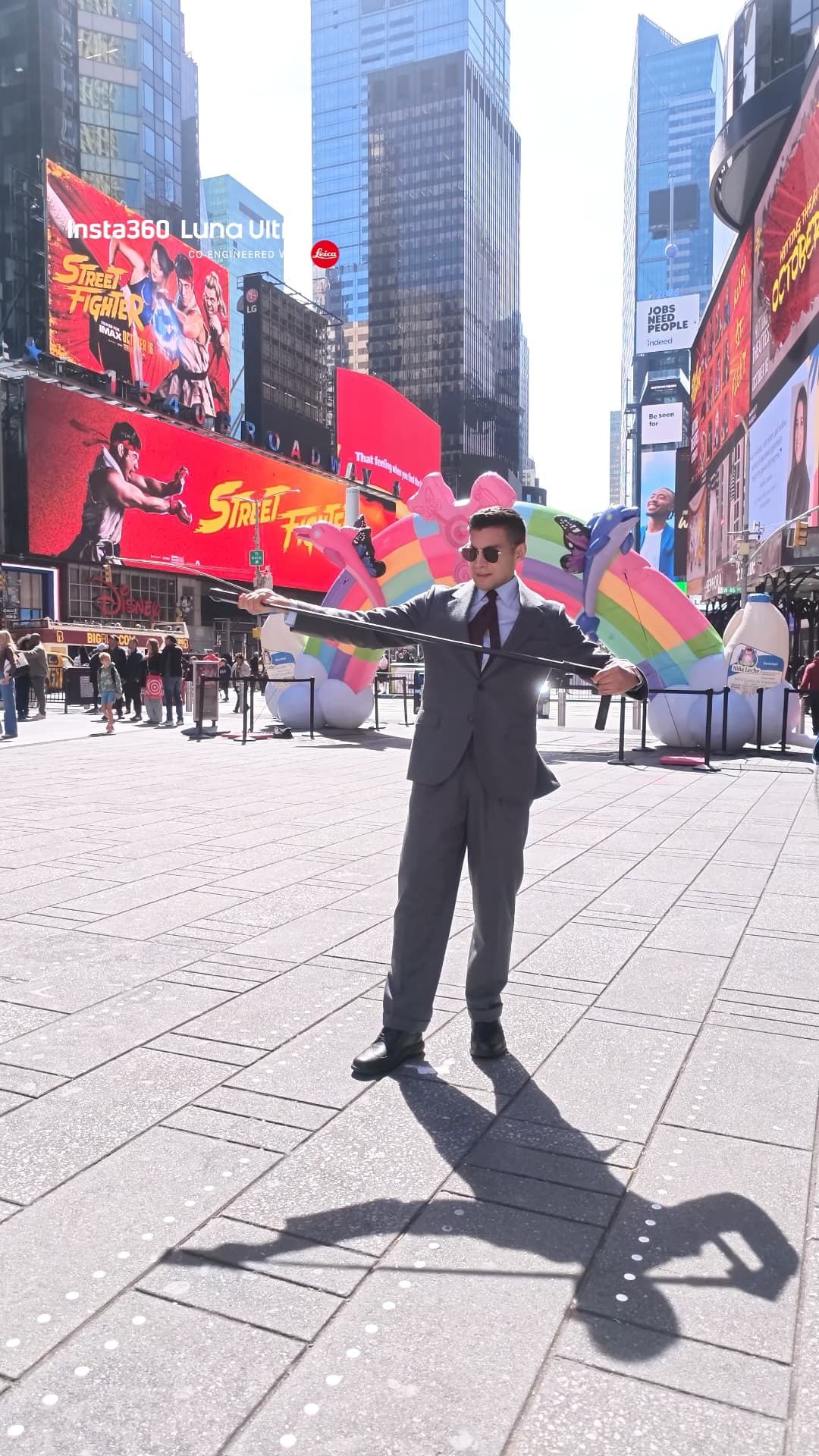
One more thing: every still photo in this post was captured on the Insta360 Luna Ultra, co-engineered with Leica. I brought it along to document the shoot and it pulled its weight. More on that camera soon.
How to Shoot Bullet Time on the Insta360 X6 (Step by Step)
1. Mount the camera and lock it down.
Attach the X6 to the Bullet Time Selfie Stick 2.0 and tighten the mount. Then give it a firm tug. If it moves, tighten it again. You are about to swing this thing over your head.
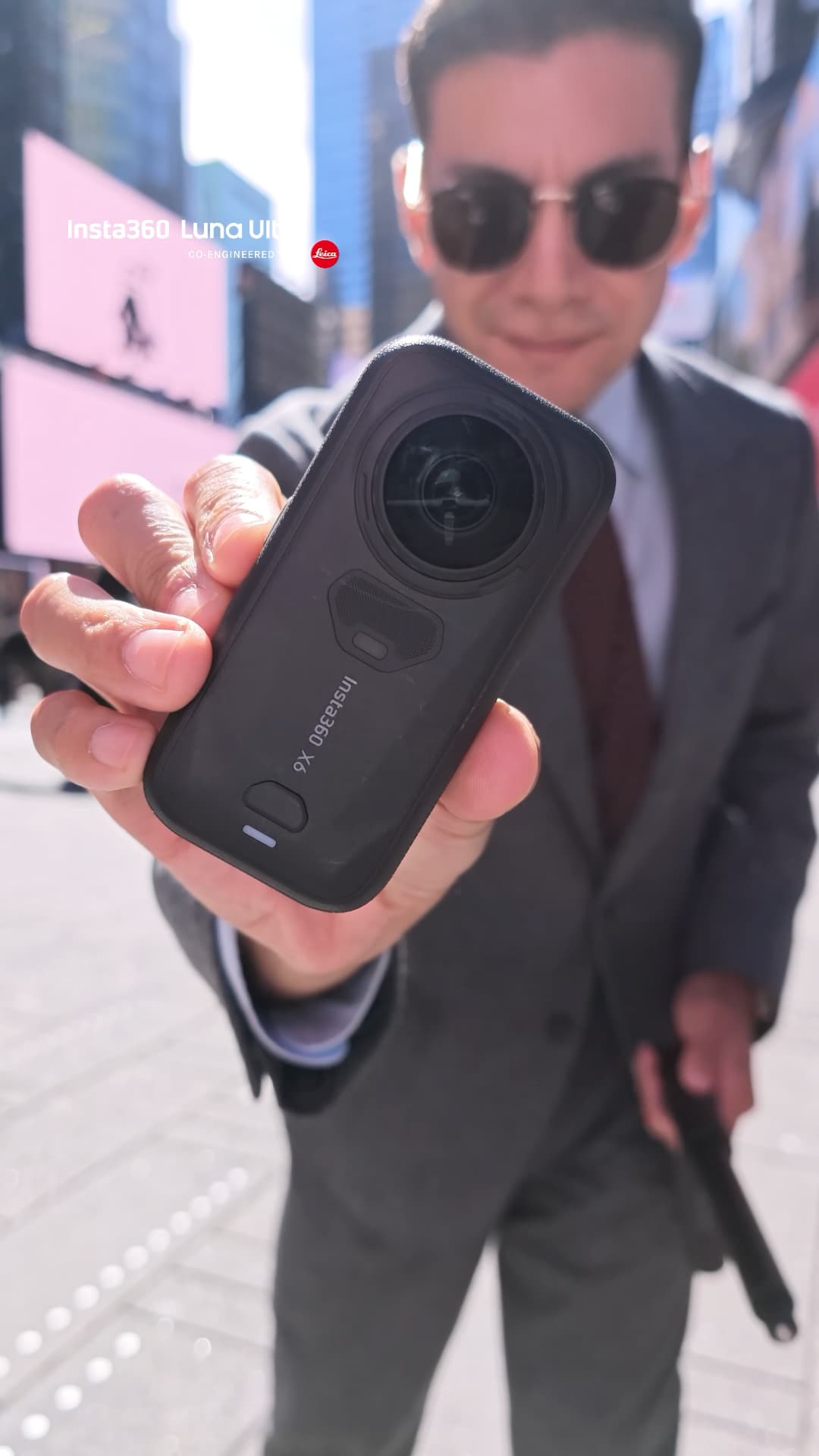
2. Select Bullet Time mode.
On the X6 touchscreen, go to 360 mode and tap Bullet Time. That is the exact screen you see in the photo above.
3. Pick your spot and clear some space.
You need a few feet of clearance in every direction. My cheat code is Times Square at 7am. Fewer people, better light, and you look slightly less insane.
4. Start recording and swing.
Extend the stick, press record, and swing it in a smooth, steady circle over your head. Keep your body still and let the camera orbit you. Smooth beats fast here. A controlled swing gives you cleaner footage than going full helicopter.
5. Reframe and slow it down in the app.
Open the clip in the Insta360 app, reframe so you are centered in the shot, and add the slow motion. Export in 9:16 and it is ready for Reels, TikTok, or Shorts.
Watch the Reel
The finished shot is on my Instagram. This is the exact clip the whole tutorial is built around:
5 Beginner Mistakes That Ruin Bullet Time Shots
- Swinging too fast: Speed feels exciting in the moment, but a fast, jerky swing gives you shaky footage and a dizzy viewer. Slow and smooth wins.
- Shooting in a crowd: You need clearance. A packed plaza means dodging people mid-swing, which ruins the orbit. Go early in the morning or find an open plaza.
- Forgetting to tighten the mount: Check it before every take. A loose camera on a swinging stick is how gear ends up on the pavement.
- Skipping the reframe: The raw 360 footage is not the final shot. The magic happens when you reframe in the app and lock yourself in the center while the world rotates.
- Exporting in the wrong aspect ratio: If this is going to Reels or TikTok, export in 9:16 vertical. A horizontal export on a vertical platform wastes half your screen.
Where to Try the Insta360 X6 in NYC
You do not have to buy blind. The Insta360 Store in Times Square lets you get hands-on with the X6 and the bullet time stick before you spend a dollar. That is where I went to test everything in this post, and the staff will walk you through the modes.
Store Location Details
Insta360 Store
1515 Broadway
New York, NY 10036
A few spots I would recommend for your first bullet time attempt: the Times Square pedestrian plaza early in the morning, the Brooklyn Bridge walkway at sunrise, the Oculus at the World Trade Center, and anywhere in Central Park with open sky behind you.
Here is the X6 in action at the Times Square store:
Grab Your Gear
Insta360 X6
This is the camera behind every shot in this tutorial. Bullet Time mode at up to 8K100p, 1/1.1-inch sensors, and a battery that outlasts a full morning shoot. If you want the full kit, the Essentials Bundle adds an extra Xtreme battery, the invisible selfie stick, a lens cap, and the fast charge case.
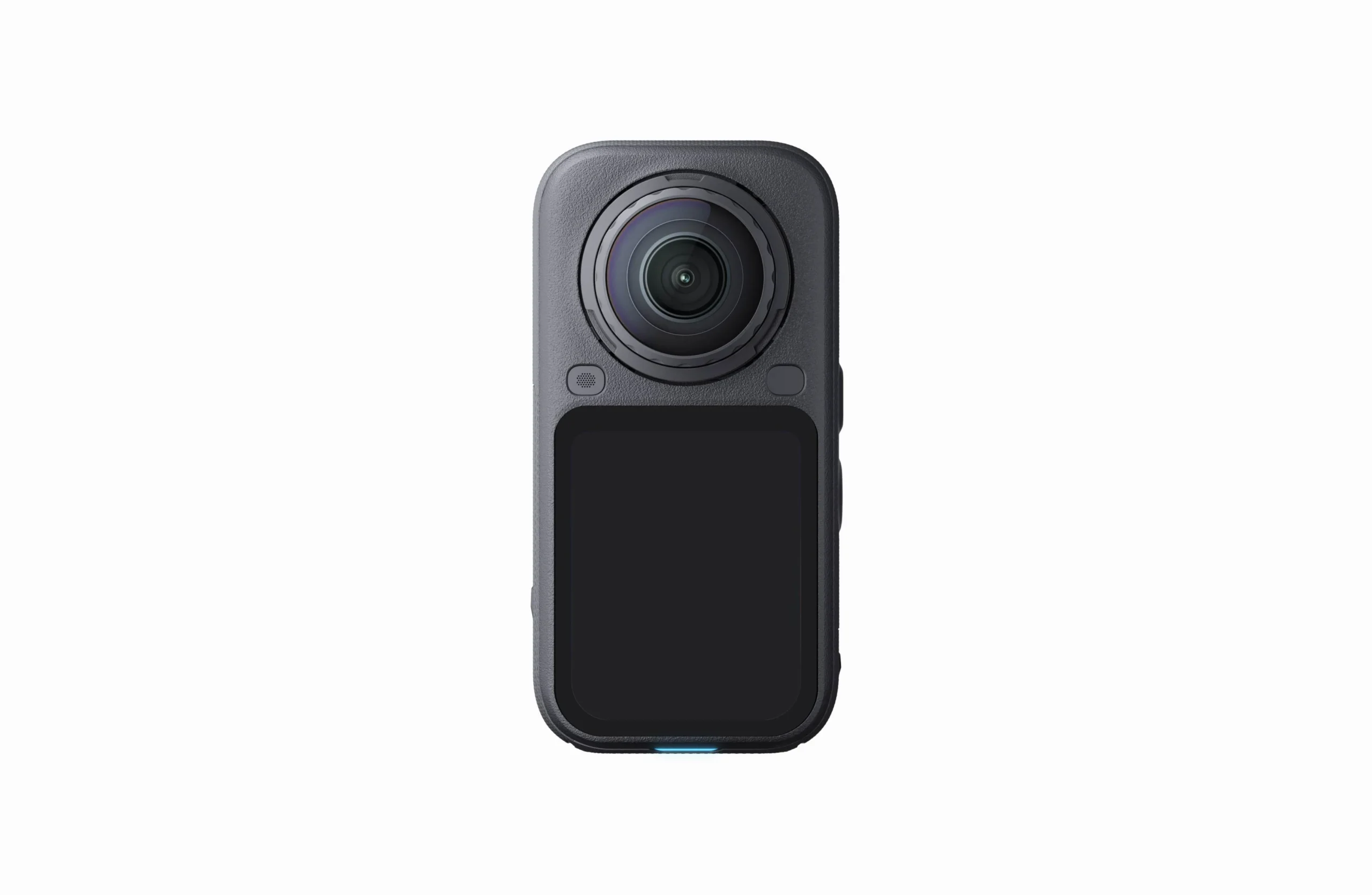
Insta360 X6 Standard Bundle, $699.99. Everything you need to start shooting bullet time today: the camera, a protective pouch, USB-C cable, and lens cloth. The Essentials Bundle ($799.99) is my pick if you plan to shoot all day the way I do.
Bullet Time Handle Kit
The must-have accessory for this shot. Built for the swinging motion with a safety cord that keeps your camera secure while it orbits. This is the Bullet Time Selfie Stick 2.0, and I would not attempt this shot without it.
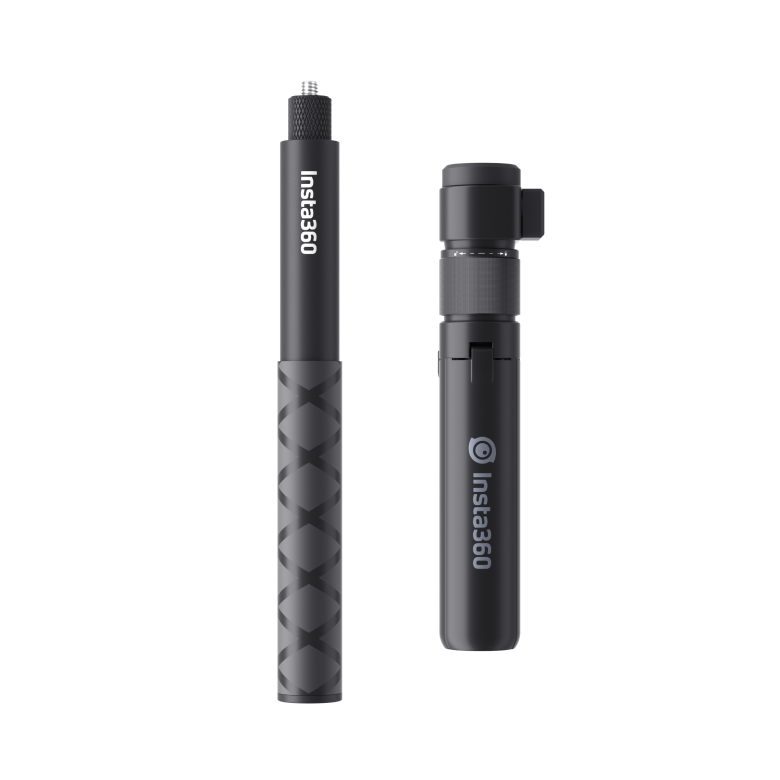
Insta360 Bullet Time Handle Kit, $64.99. The accessory that makes the Matrix shot possible.
Insta360 Mic Pro
Clean wireless audio for talking to camera on location. Compact, wireless, and it pairs right up with the X6.
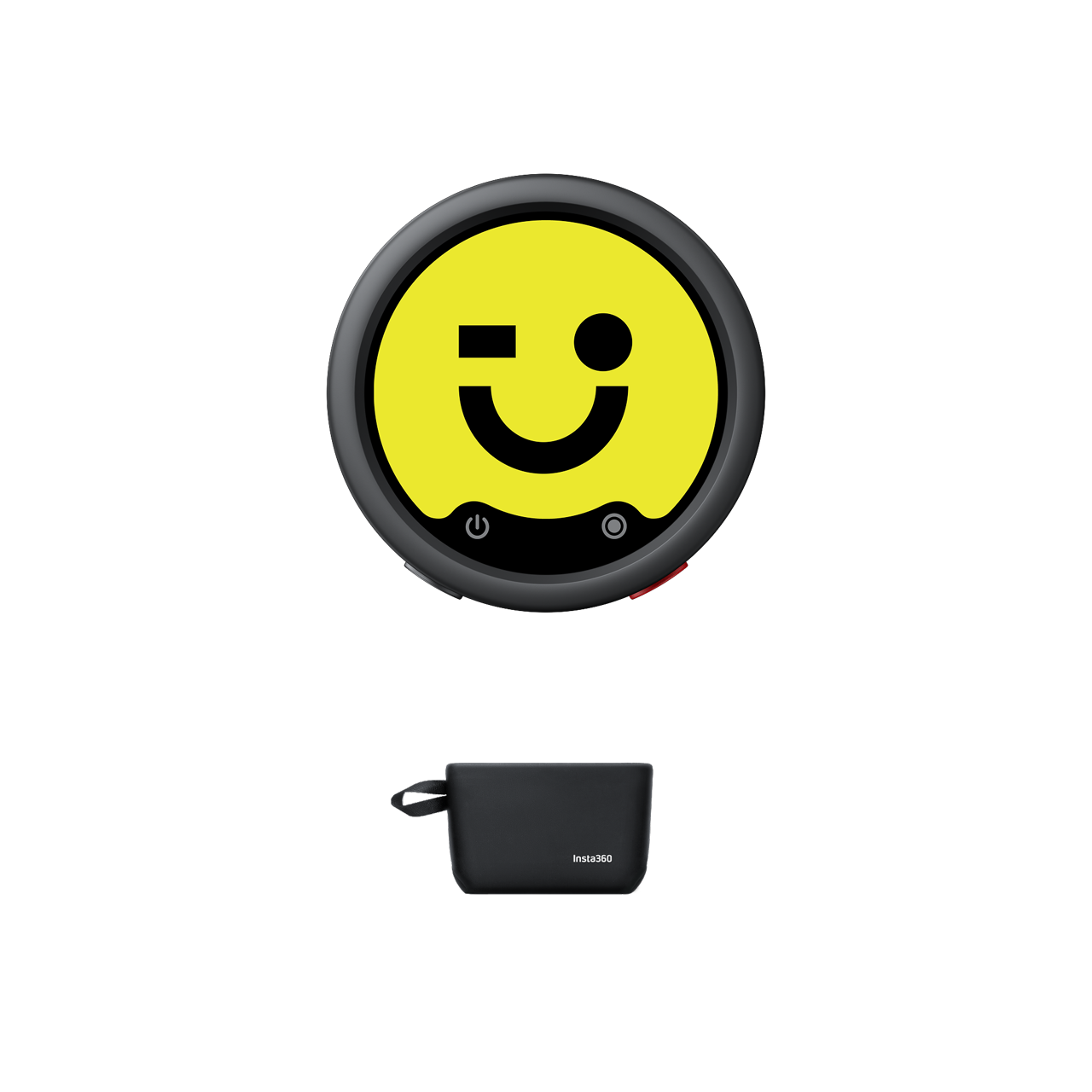
Insta360 Mic Pro, $99.99. My on-location audio for talking head clips.
Insta360 Luna Ultra
The Luna Ultra shot every still photo in this post. Co-engineered with Leica, and it pulled its weight documenting the whole shoot.
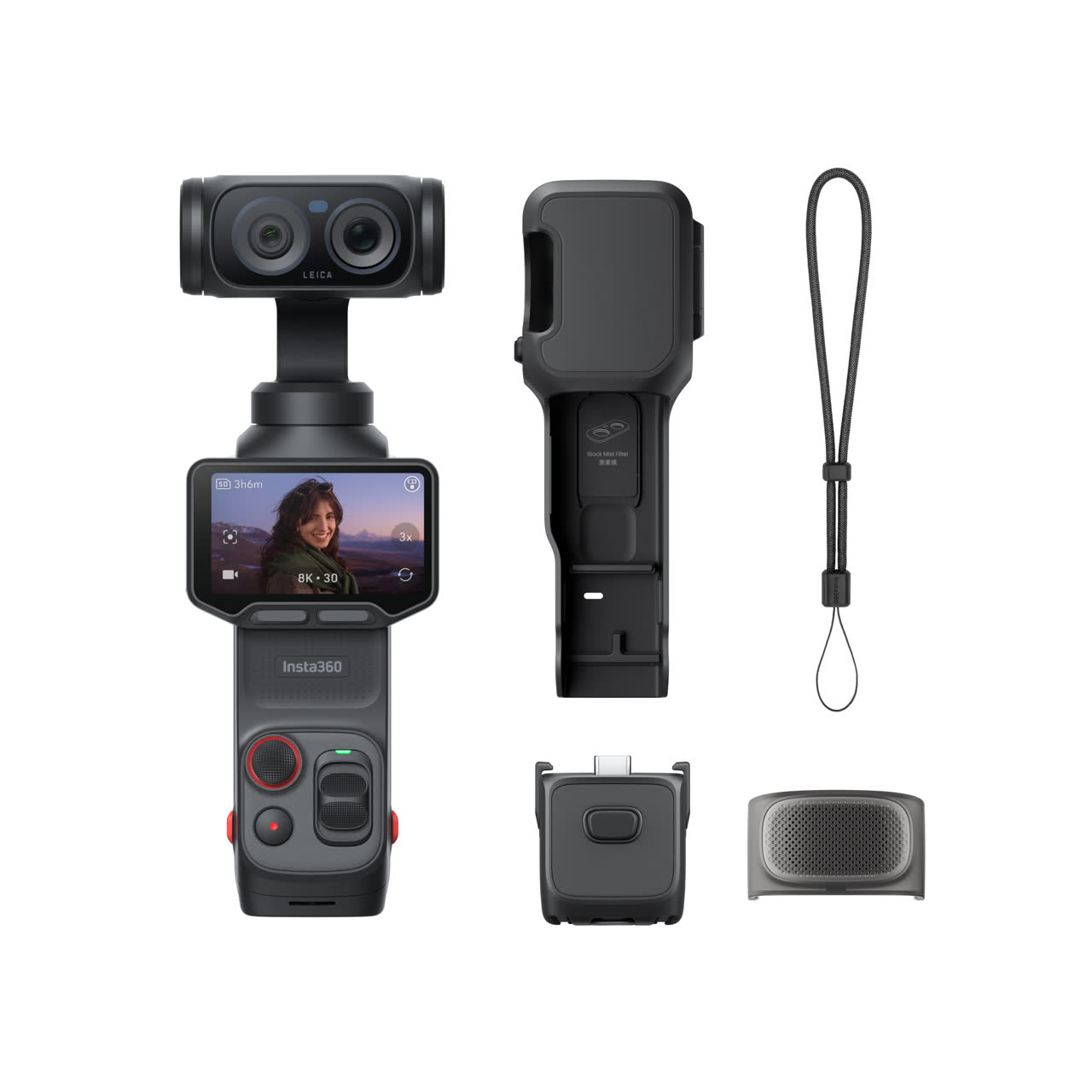
Insta360 Luna Ultra, $769.99. The camera behind the stills in this post.
Current X6 Offers
Right now every X6 order comes with a free year of Insta360+ Cloud Service with 500GB of storage, auto-backup, and AI auto-editing. The Essentials Bundle ($799.99) also includes a free extended warranty with an extra year of coverage, and there is a limited-time free camera replacement if your X6 arrives faulty (claims must be submitted by November 10, 2026).
Want more protection? Insta360 FlexiCare ($49.99) covers accidental damage with low-cost replacements, and the Trade-In program gives you cash or coupons for your old camera toward a new X6.
If you want to support the blog and grab some gear for yourself, use my code: INRFXZK.
Shop the Insta360 X6Disclosure: Insta360 gifted the X6 and the gear featured in this post, but they had no say in what I wrote. I only share gear that I genuinely use and believe in.
Insta360 X6 Bullet Time: FAQ
Do I need the Bullet Time Selfie Stick, or will a regular selfie stick work?
You really want the Bullet Time stick. It is engineered for the swinging motion and includes a safety cord that keeps the camera attached. A regular stick is not built for those forces, and this is not the shot to gamble your camera on.
Is bullet time hard to edit?
No. The whole edit happens in the Insta360 phone app: reframe the shot, add slow motion, export. If you can post a Story, you can edit bullet time.
I am a total beginner. Can I actually do this?
Yes. Remember the comment on my reel: someone said their social anxiety would never let them try this. The technique itself takes about ten minutes to learn. The only hard part is being willing to look a little silly in public for thirty seconds. Worth it.
What is the difference between the X6 and the X5 for bullet time?
The X6 shoots bullet time at up to 8K100p with bigger 1/1.1-inch sensors and a longer-lasting battery. If you want the full breakdown of the X5, I wrote about using it as a street photography camera here: Why the Insta360 X5 is My New Secret Weapon for Street Photography. And if the X5 is more your speed, you can shop the Insta360 X5 here.
Both of these were shot on the X5:
Where can I try the X6 in person in NYC?
The Insta360 Store at 1515 Broadway in Times Square. You can handle the camera, test the bullet time stick, and ask the staff anything before you buy.
Which NYC spot should I shoot bullet time at next? Tell me over on Instagram, and if you try this shot yourself, tag me. I want to see it.
— Diego