When you think of the Insta360 X5, you probably think of jaw-dropping 360-degree videos, action-packed reels, and immersive travel vlogs. And while it’s definitely a powerhouse for video, I’ve been using it in a whole new way lately—as a photography camera.
Wait, what? A 360 camera for photos?
Yes, and here’s why it’s changing my street photography game in NYC.
The Cinematic Look: Straight Out of Camera
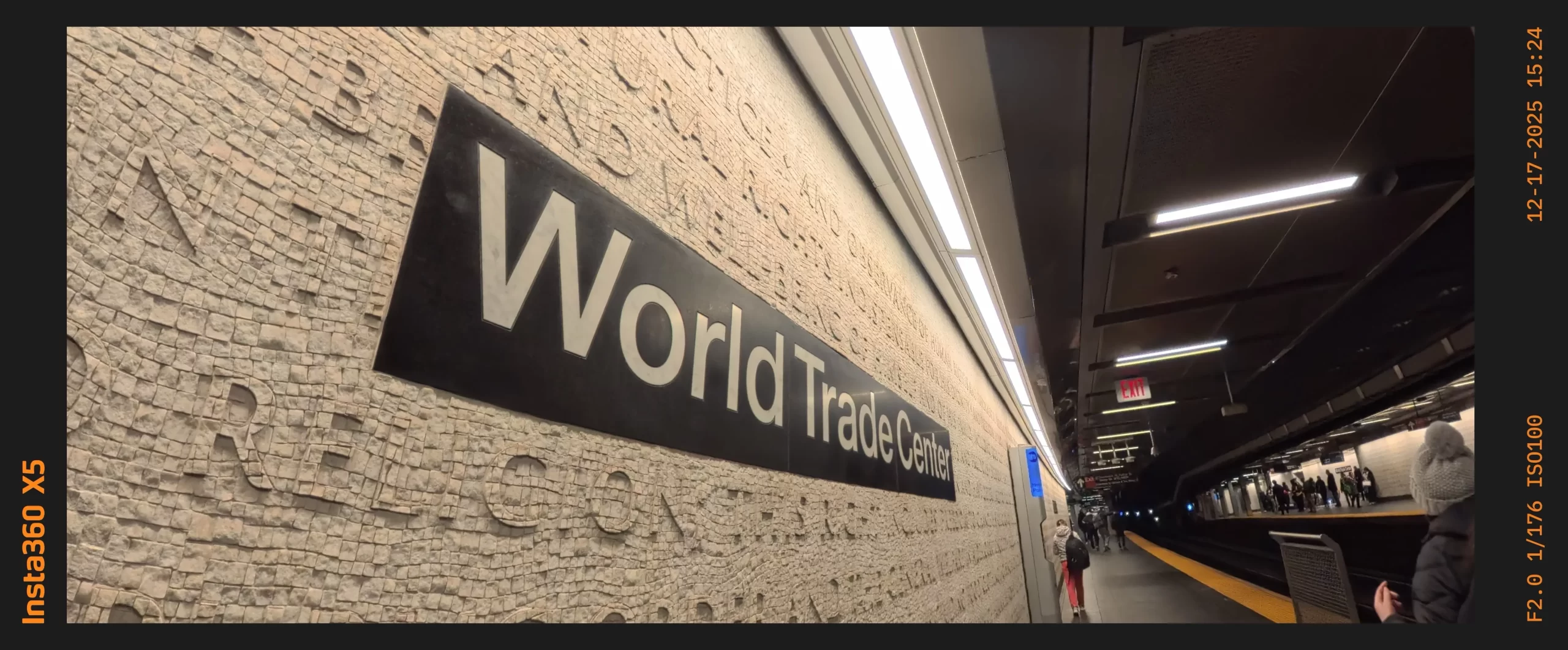
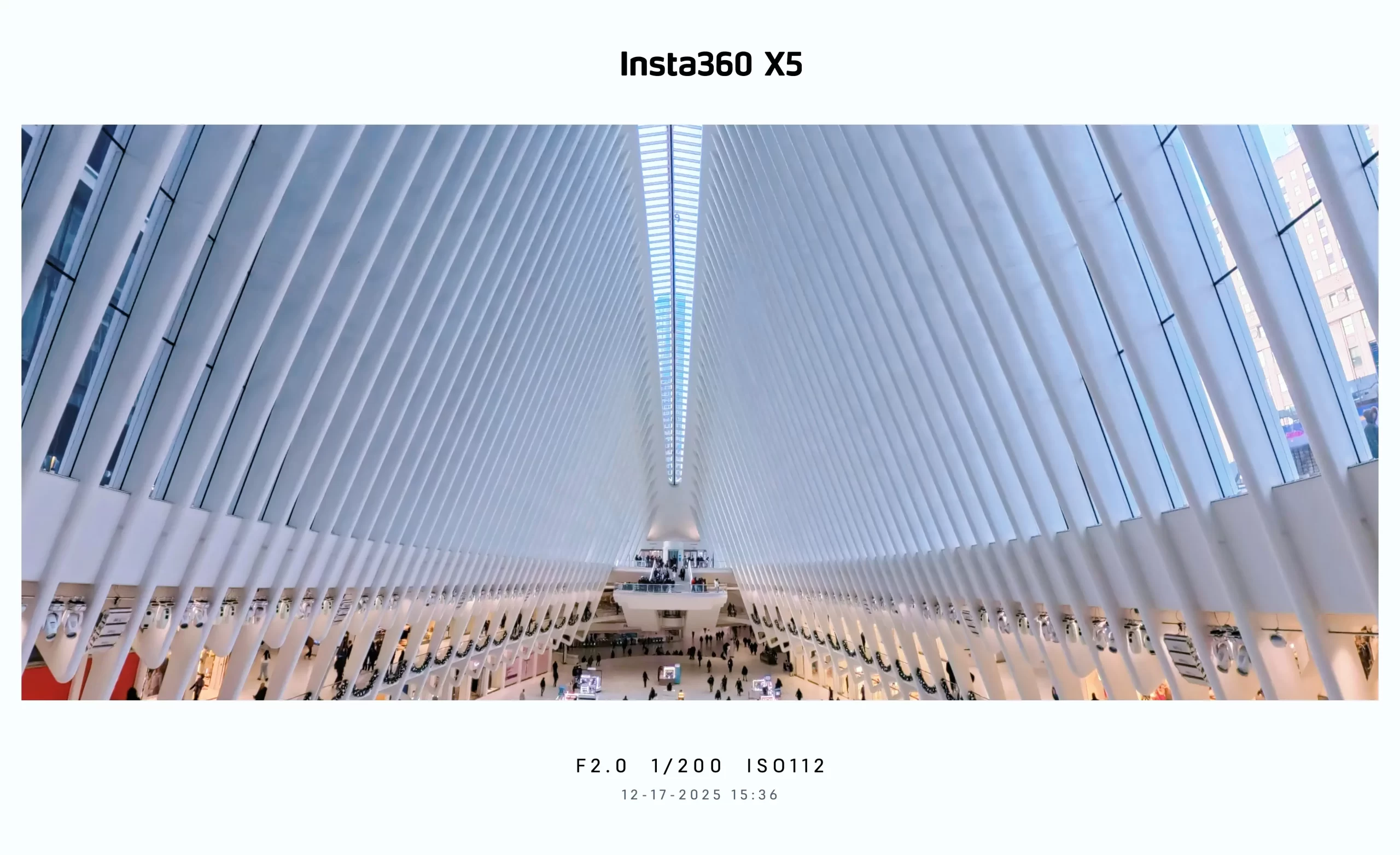
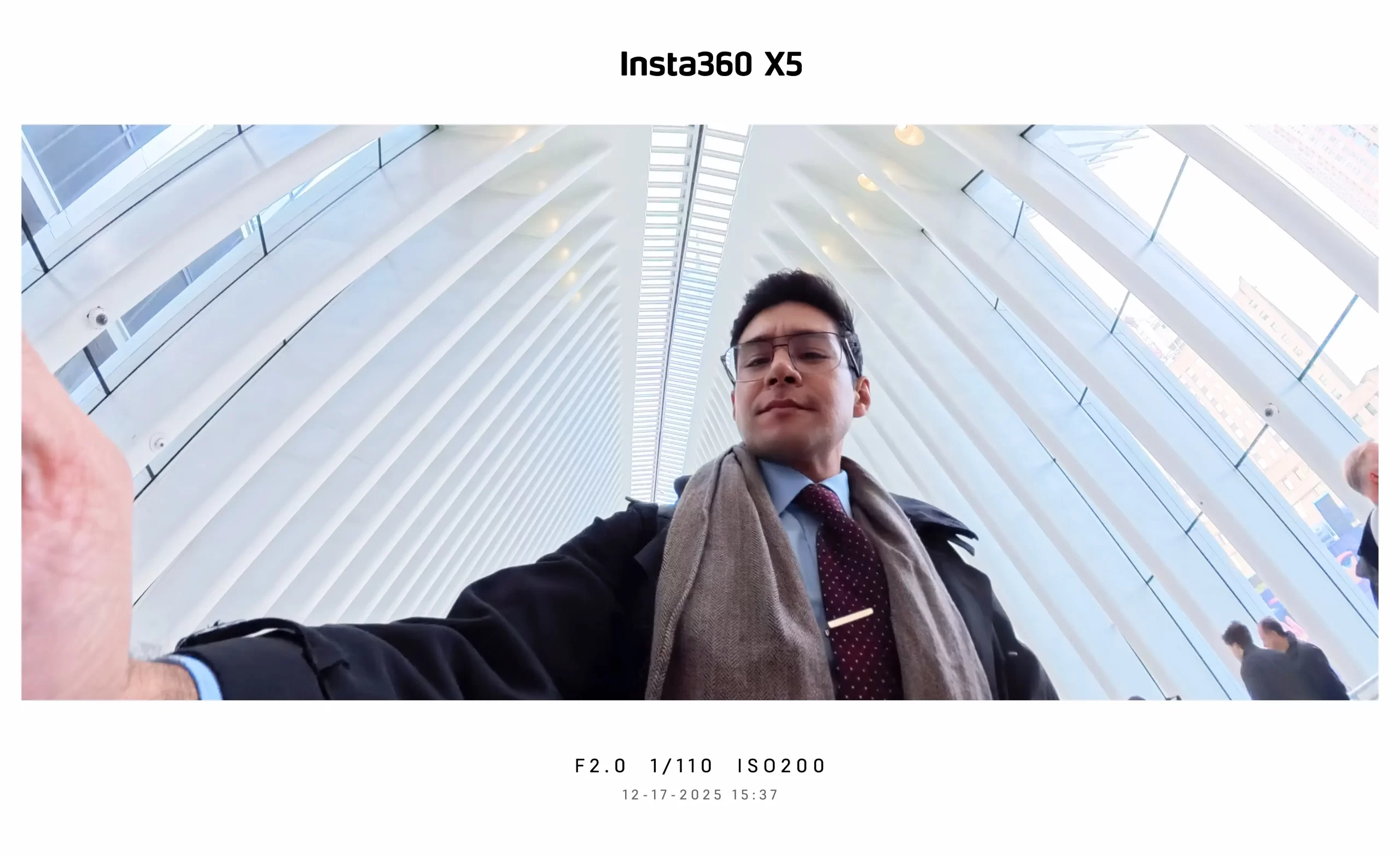
One of the biggest surprises with the Insta360 X5 is how it handles panoramic and wide-angle shots. Using the new Insta360 Photography Grip, I’ve been able to capture stunning 2.35:1 cinematic wide photos that feel like they’re pulled straight from a movie.
The best part? No extra setup. No overthinking. Just me, the camera, and the city.
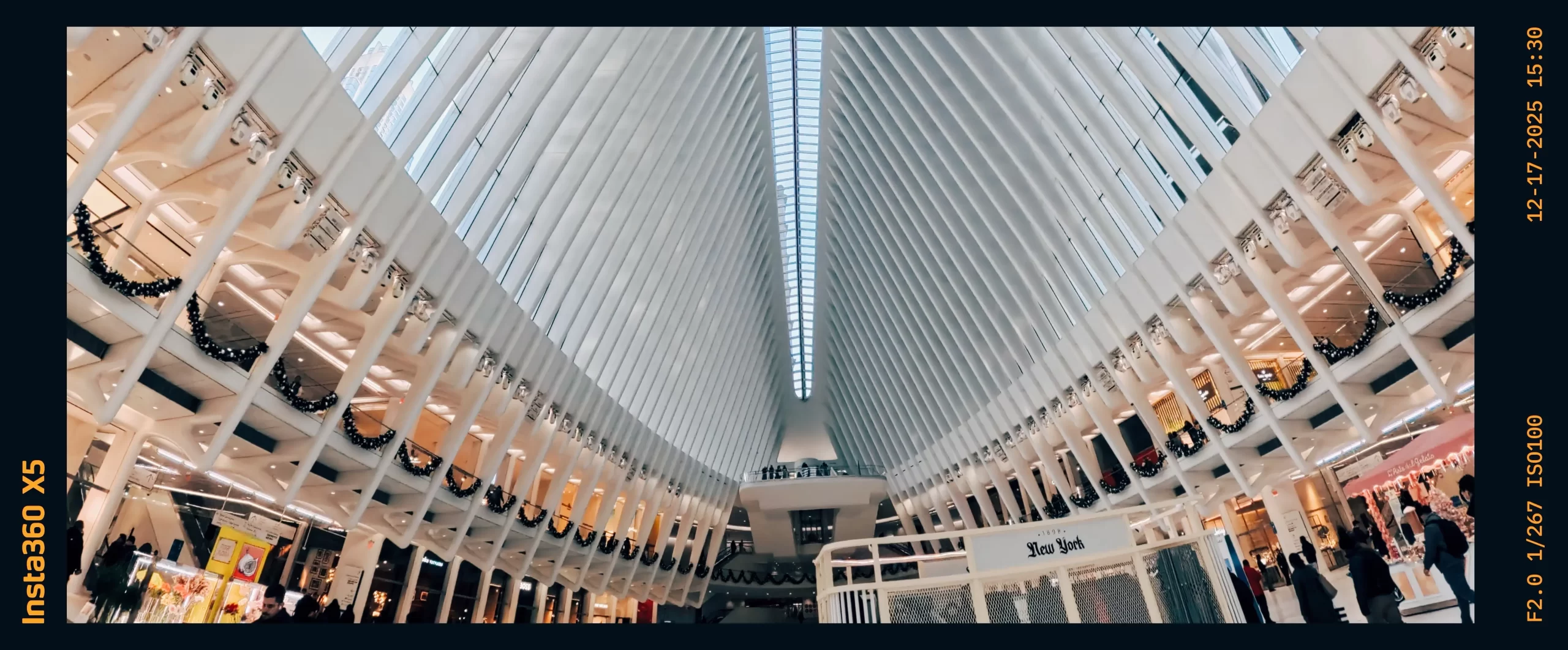
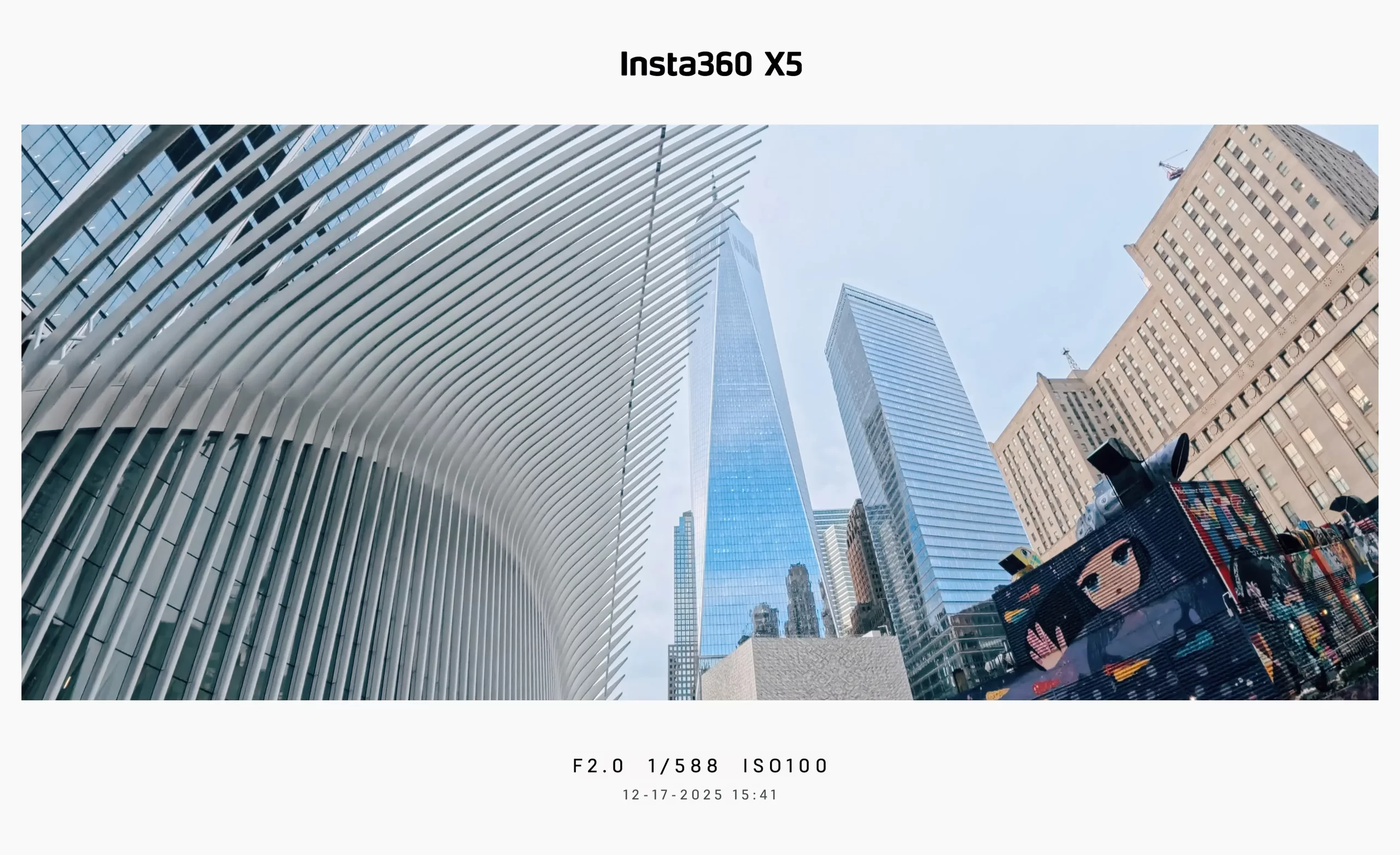
Whether I’m walking through the Oculus or capturing the hustle of a subway platform, the X5 allows me to snap moments as they happen. It’s perfect for street photography, travel shots, and even daily lifestyle content where you want that high-end look without the heavy gear. See the full size images here.
The Photography Grip: A Game Changer
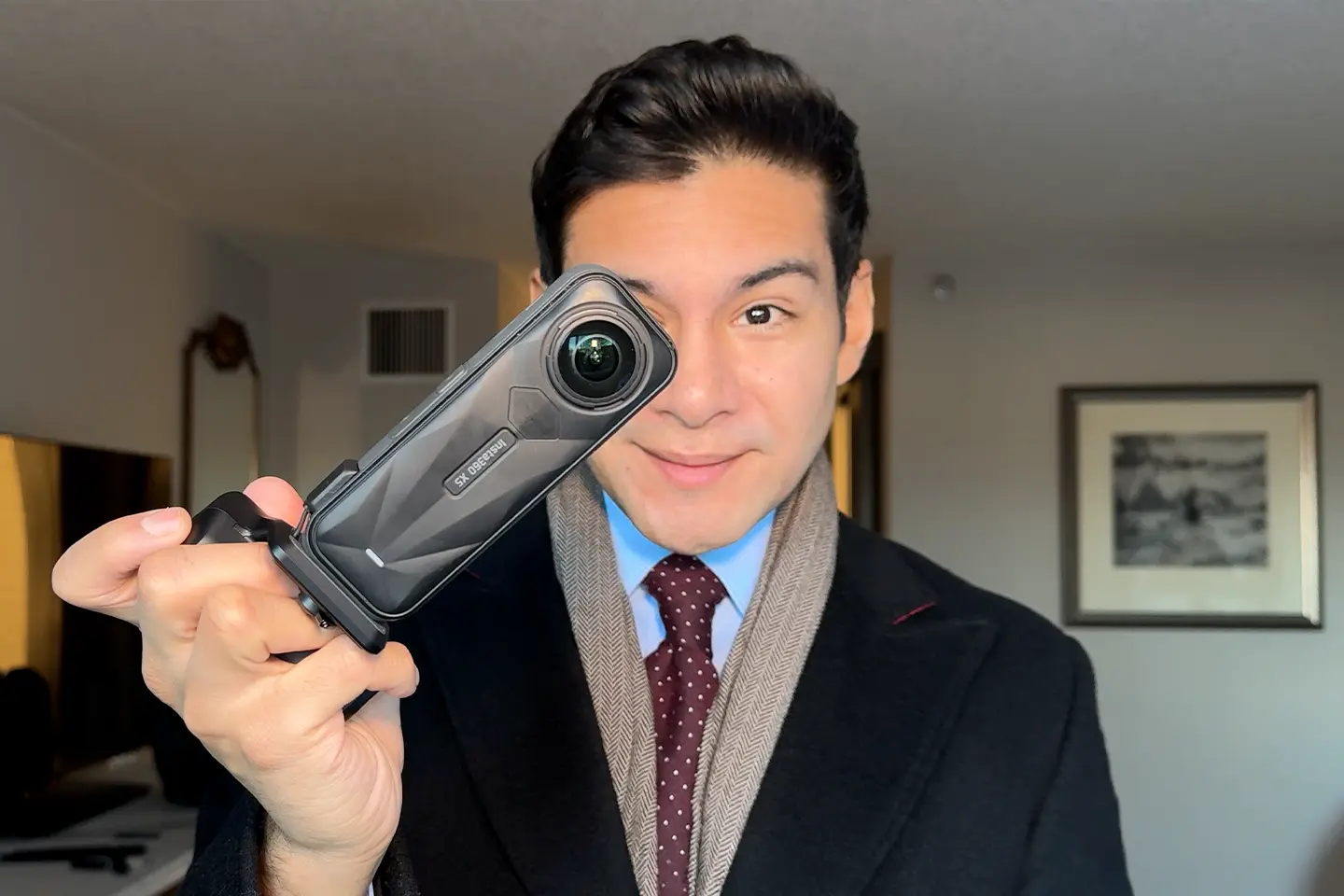
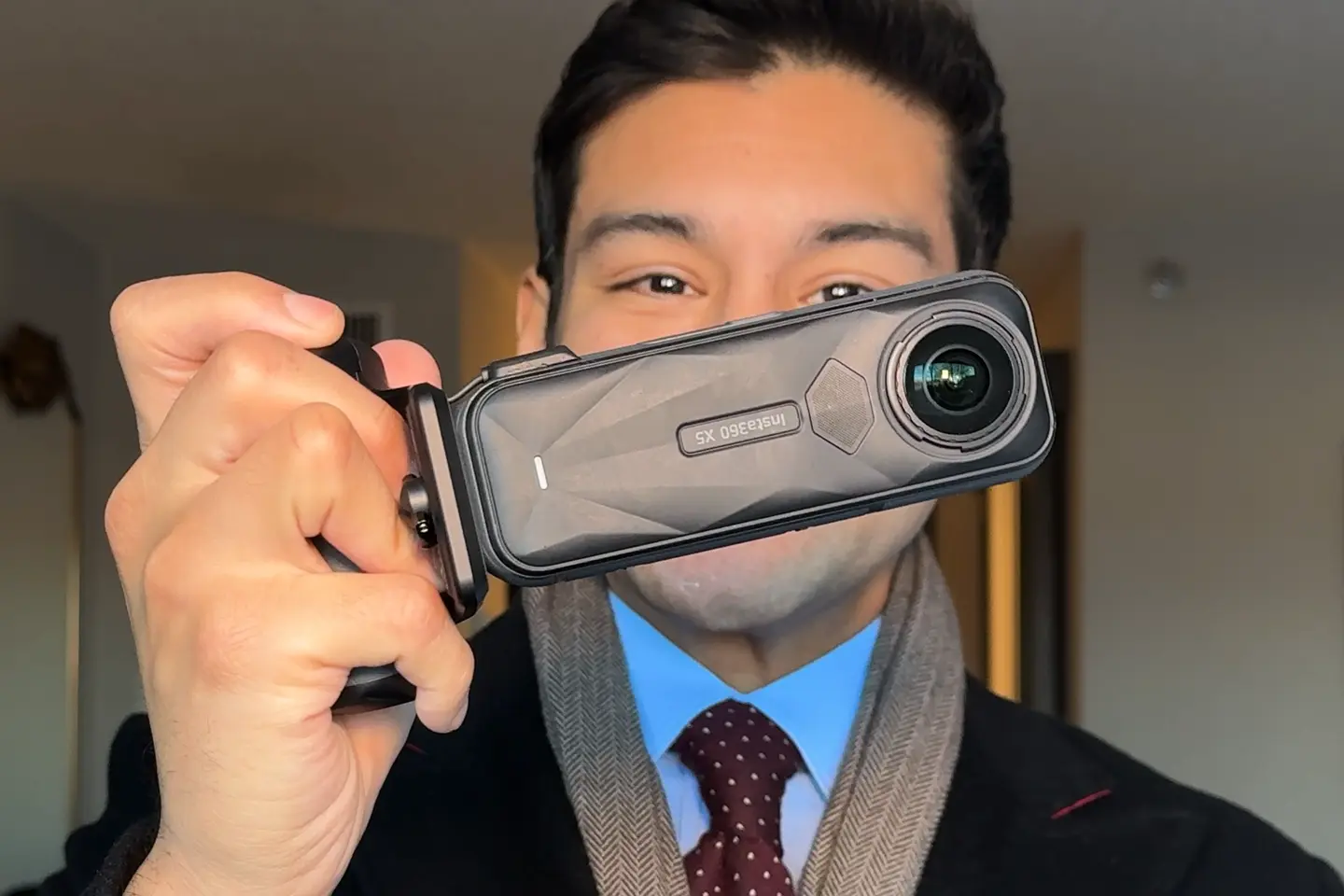
The new photography grip makes the Insta360 X5 feel like a traditional camera in your hand. It adds stability and gives you a dedicated shutter button, making it easier than ever to grab those quick shots.
Why I’m Loving It
I’ve been integrating the X5 into my actual workflow, and it’s been solid. Here’s why I think you should consider it:
- Cinematic Aspect Ratio: Get that 2.35:1 look without any post-production hassle.
- Portability: It’s small enough to carry all day while exploring the city.
- Versatility: Transition from a 360 video to a cinematic photo in seconds.
The Verdict: Insta360 X5 Photography Grip
The Pros
- Seamless Integration: The grip connects directly into the Insta360 X5 and is automatically detected.
- Auto-Photo Mode: When you turn the camera on with the grip attached, it automatically launches into photo mode.
- In-App Customization: You can add borders to your photos and edit them directly within the Insta360 app.
- Versatile Shooting: You can still record video and take selfies while in this mode if you’re so inclined.
The Cons
- No Rapid Fire: You cannot take photos in quick succession; there is a processing time after hitting the shutter.
- Charging Logistics: To charge the camera with the grip attached, you must unplug the connector because there is no USB-C port on the grip itself.
- Permanent Borders: When editing in the app, the border is applied directly to the image rather than being a separate file.
Grab Your Gear & A Free Gift!
If you’re looking to upgrade your photography or video kit, I highly recommend checking out the Insta360 X5. While I was gifted these products, I only share gear that I genuinely use and believe in.
Insta360 X5 & A Free Gift
$464.99 $549.99
Upgrade to the Insta360 X5 and score a free gift! For a limited time, receive a Mini 2-in-1 Tripod with the purchase of the Standard, Invisible Dive, or Essentials bundles. Don’t miss this deal.
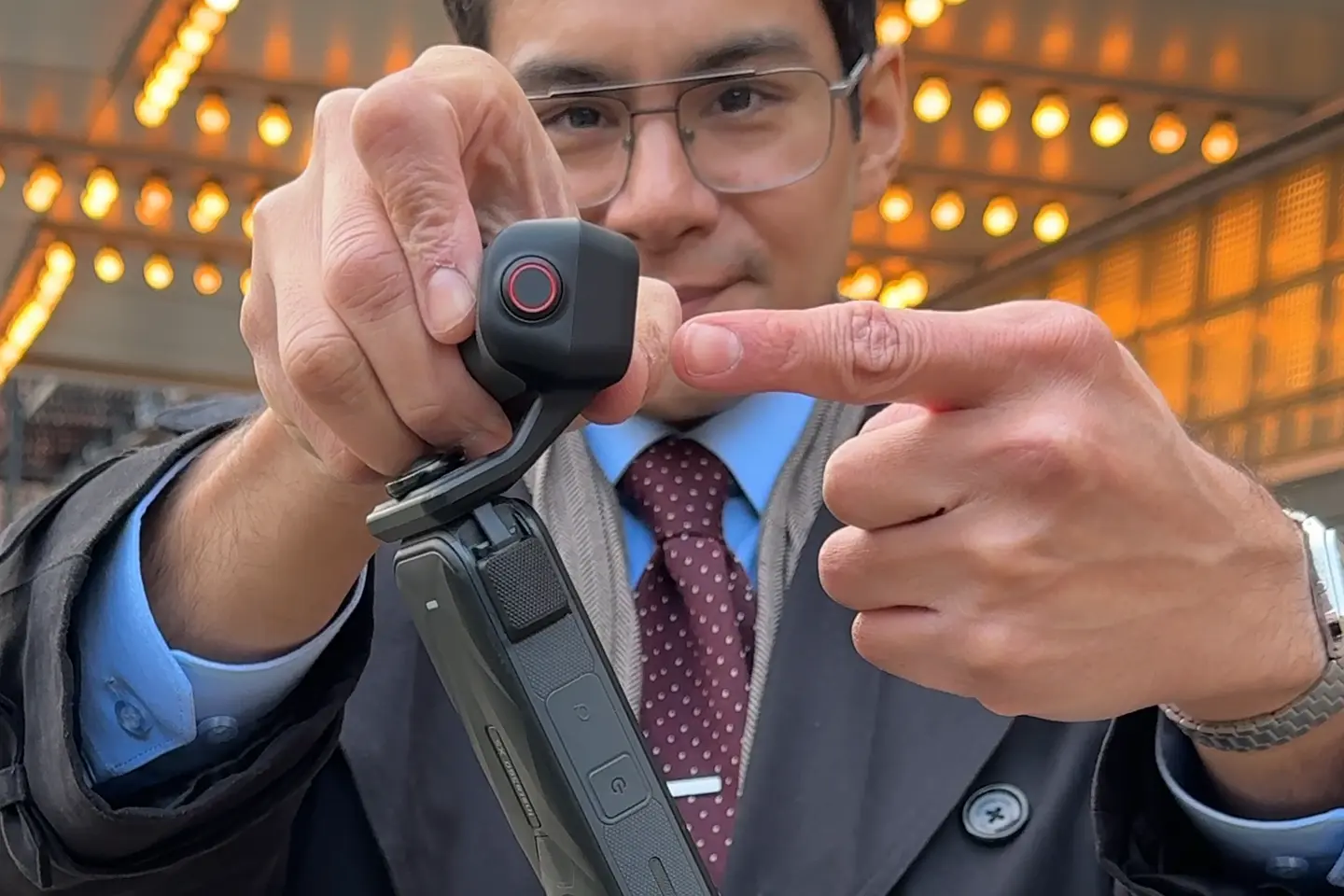
X5 Photography Grip
$49.99
Check out the new X5 Photography Grip accessory. Features include a tactile mechanical shutter button, QuickCapture readiness, and built-in film filters for polished, professional street photography.
If you want to support the blog and grab some gear for yourself, use my code: INRFXZK.
Plus, when you order through my link, you’ll get a free tote bag and a mini 2-in-1 tripod with your purchase!